


The Lab
Application control: why default-allow leaves you open
Frank De Pasquale ·
Picture the moment a program starts on one of your machines. A staff member double-clicks an installer, a document opens a helper process, a script runs quietly in the background as part of an update. In almost every business the default response to all of it is the same, and it is yes. The software runs, and your endpoint protection watches to see whether it then does anything it recognises as bad.
That default is the assumption worth examining. Traditional endpoint security is built to allow first and catch second: anything runs unless it is already known to be malicious, and detection engages after execution has begun. It is a reasonable model and it holds up well against the threats it was designed for. Where it was never shaped to help is the attack that brings no malware at all. In 2025, 82 per cent of detections were malware-free (CrowdStrike 2026 Global Threat Report): the intrusion arrived through trusted tools and valid credentials, doing things those tools are allowed to do, which is the activity a detection engine is slowest to call.
The window between run and caught
Because detection comes after execution, it always leaves a gap, and that gap has a cost measured in time. Global median dwell time, the stretch an intruder sits inside a network before anyone notices, was 14 days in 2025 (Mandiant M-Trends 2026). Application control shuts the front of that window for anything not on an approved list. Nothing executes unless it has been permitted, so the living-off-the-land chain, where a trusted document launches a scripting tool and starts moving files, never gets its first move. The model inverts: software is denied by default and runs only when you have said it can. It is also why application control sits in the ASD Essential Eight as a baseline control, expected from Maturity Level One.
Blocking what runs is only half of it
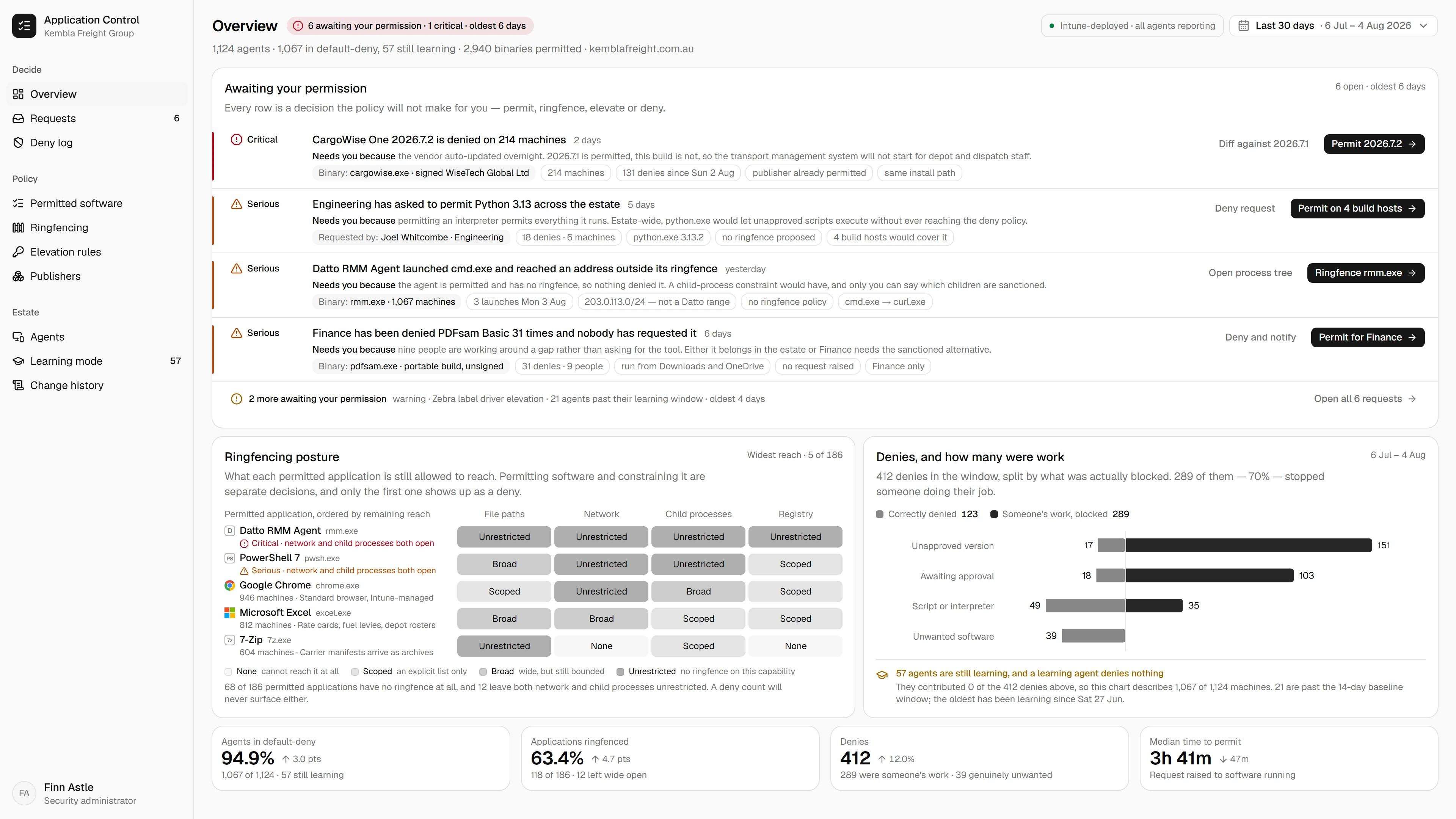
Allowlisting decides what is allowed to run. On its own it does not decide what an approved application is then allowed to do, and that is the other half of the problem. A tool you trust and have permitted can still be turned against you, which is how the trusted-document-launches-a-script chain works even inside an allowlisted environment. The second half is ringfencing: constraining what a permitted application can reach, which other programs it can call, which files and folders it can touch, whether it can talk to the internet at all. Allowlisting keeps the unapproved out; ringfencing assumes the approved can be misused and boxes it in.

Allow-first was a reasonable model for a while. The attacks that don't need malware at all are exactly what it was never built to catch.
Frank De Pasquale
Founder, Tekspace
From the Lab
Get Frank's read on application control
One report a month, no fluff, unsubscribe anytime.
The old objection, and what answers it
The reason businesses avoided this for years is admin load. An allowlist that blocks everything unknown sounds like a helpdesk buried in approval requests and a routine update that suddenly will not run. That objection was fair, and modern tooling is largely what has dissolved it. A large, actively maintained catalogue of known-good software, where the vendor tracks the file changes a normal update brings, means the update is not blocked for the crime of being new. A learning mode watches your environment first and builds the baseline from what already runs, and self-service handles the long tail. It is not effortless, and I would not claim it is. A developer environment is a real project, and there will always be some obscure application the catalogue has not seen until its details are added. But the day-to-day load is a fraction of what it once was, and this is the piece that made modern allowlisting practical.
See it in your own environment
Microsoft gives you real building blocks here in WDAC and AppLocker, and they are a capable floor. A dedicated application control layer adds the maintained catalogue, the learning mode and the ringfencing on top, and the honest way to weigh it is against your own machines. Learning mode can run in monitor-only across a small group, watching what actually executes without blocking anything, and within a couple of weeks it shows you the baseline: what is running on your endpoints, how much of it you recognise, and where a trusted tool is already reaching further than you would expect. That map is worth having before any decision. If it is useful, we start with a short assessment.
Sources1. CrowdStrike 2026 Global Threat Report — 82% of detections in 2025 were malware-free, with intrusions moving through trusted tools and valid credentials (global; 2026 edition) 2. Mandiant M-Trends 2026 — global median dwell time was 14 days in 2025, up from 11 days in 2024 3. Australian Signals Directorate, Essential Eight — application control is one of the eight baseline mitigation strategies, applied from Maturity Level One